

Knowledge base › Survey guide
Survey guide
How do I do a bar check on the CEESCOPE™ or CEE ECHO™?
Lower a flat plate on a marked line under the transducer. At 2 m, check the draft and set the index offset so the displayed depth matches; at 10 m or deeper, adjust the sound velocity until it matches; then raise the plate in 2 m steps to confirm. Check each frequency, at the start of every survey and whenever the vessel, mounting or water changes.
2 m check draft, set index
10 m+ set sound velocity
50 cm minimum plate size
Page 6/6 Bar Check in the E/S menu
A bar check proves the echo sounder is set up correctly for the vessel and the water you’re in. You lower a flat plate on a marked line under the transducer and compare the depth on screen with the depth you know the plate is at. Any mistake in the draft, index offset or sound velocity shows up before you start logging, not afterwards in the data.
The CEESCOPE™, CEESCOPE LITE™ and CEE ECHO™ have a Bar Check tool built into the touchscreen, so you don’t need a PC. Check each frequency separately: the high frequency (E/S A) and the low frequency (E/S B) each have their own draft and index.
When should I do a bar check?
- At the start of a survey, after the sound velocity, draft and index (if known) are entered.
- When the draft changes: a different vessel, a different mounting, or a heavier load on board.
- When the sound velocity may have changed: a change in tide, or moving near a tributary, can change the water temperature and salinity.
- After changing the sound velocity on either channel: it applies to both frequencies, so check each one again.
Do it before you start logging. Draft, index and sound velocity are critical settings: the echo sounder locks them while a file is recording, and changing them mid-survey would shift every depth that follows. See how do I set draft, index and sound velocity?
What do I need?
- A plate: flat and big enough to give a good echo. A 50 cm (20 in) diameter circle or square is the minimum.
- A support line: thin wire or nylon rope to hang the plate.
- A measured line: thin stainless steel wire, marked every 2 m with insulating tape: one strip at 2 m, two strips at 4 m, three at 6 m, and so on.
- The measured draft: the distance from the water surface to the transducer face. Mark the transducer pole at the water line, so you can see later if it has moved.
- Your best sound velocity: from a calibrated probe, the built-in calculator, or 1500 m/s if you don’t know it yet.
The name comes from bigger boats with a hull-mounted transducer, where a metal bar hung on two wires, one each side of the hull, to get it under the transducer. With an over-the-side pole mount, a single plate on one line is easier.
How do I open the Bar Check tool?
Press MENU → E/S, then RIGHT five times to reach page 6/6, Bar Check. Choose Bar check (E/S A) for the high frequency or Bar check (E/S B) for the low frequency. The other frequency stops pinging while you check, so it can’t interfere with the echo from the plate.
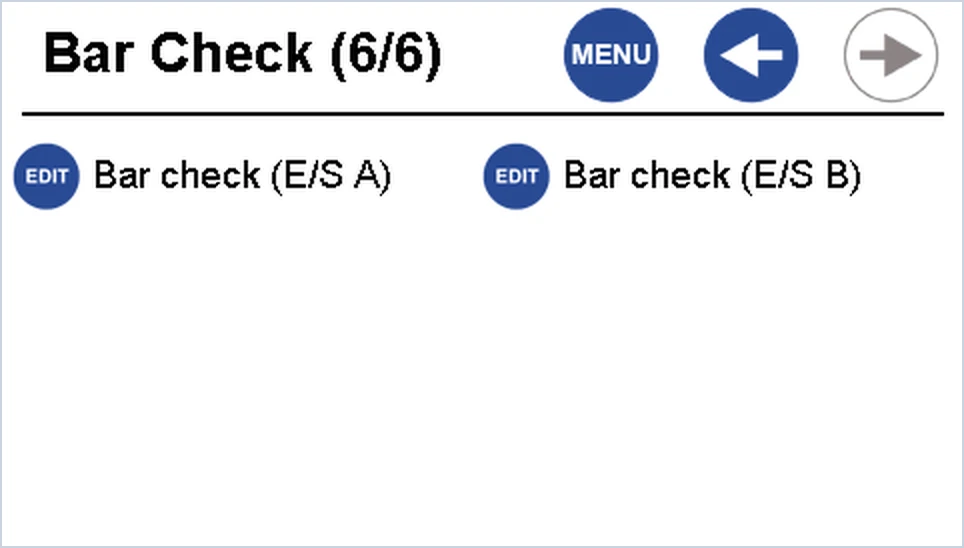
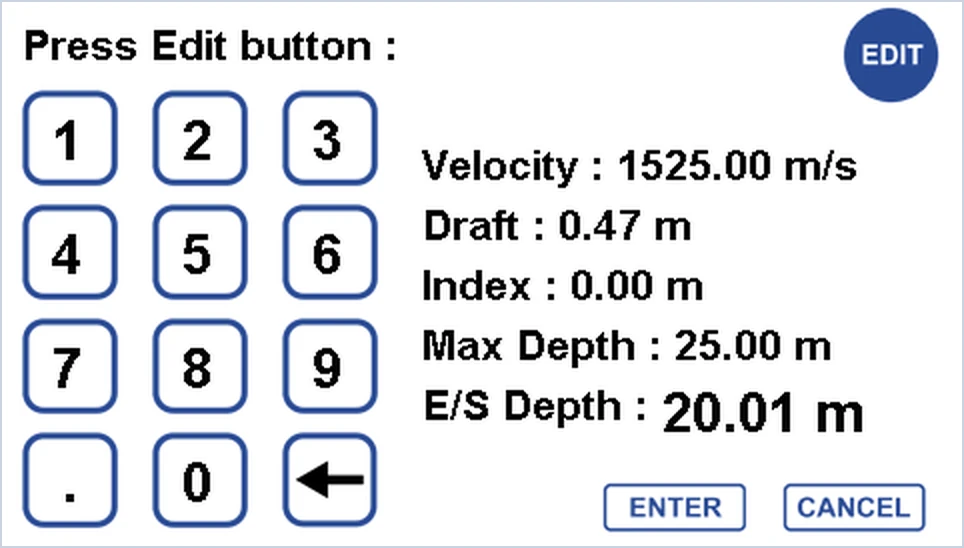
The tool shows the sound velocity, draft, index offset, Max Depth and the measured depth (E/S Depth), updated live. E/S Depth is the depth below the water surface, so it already includes the draft and index. Press EDIT to step through the fields:
| Press EDIT | Field | Where the change is saved |
|---|---|---|
| Once | Max Depth | Used as a gate during the check; set your survey Max Depth back afterwards |
| Twice | Sound velocity | Common settings: applies to both frequencies |
| Three times | Draft | The channel you’re checking |
| Four times | Index offset | The channel you’re checking |
Type the value on the keypad and press ENTER, or CANCEL to leave it unchanged. Press CANCEL again to leave page 6/6 when you’ve finished.
How do I do the bar check, step by step?
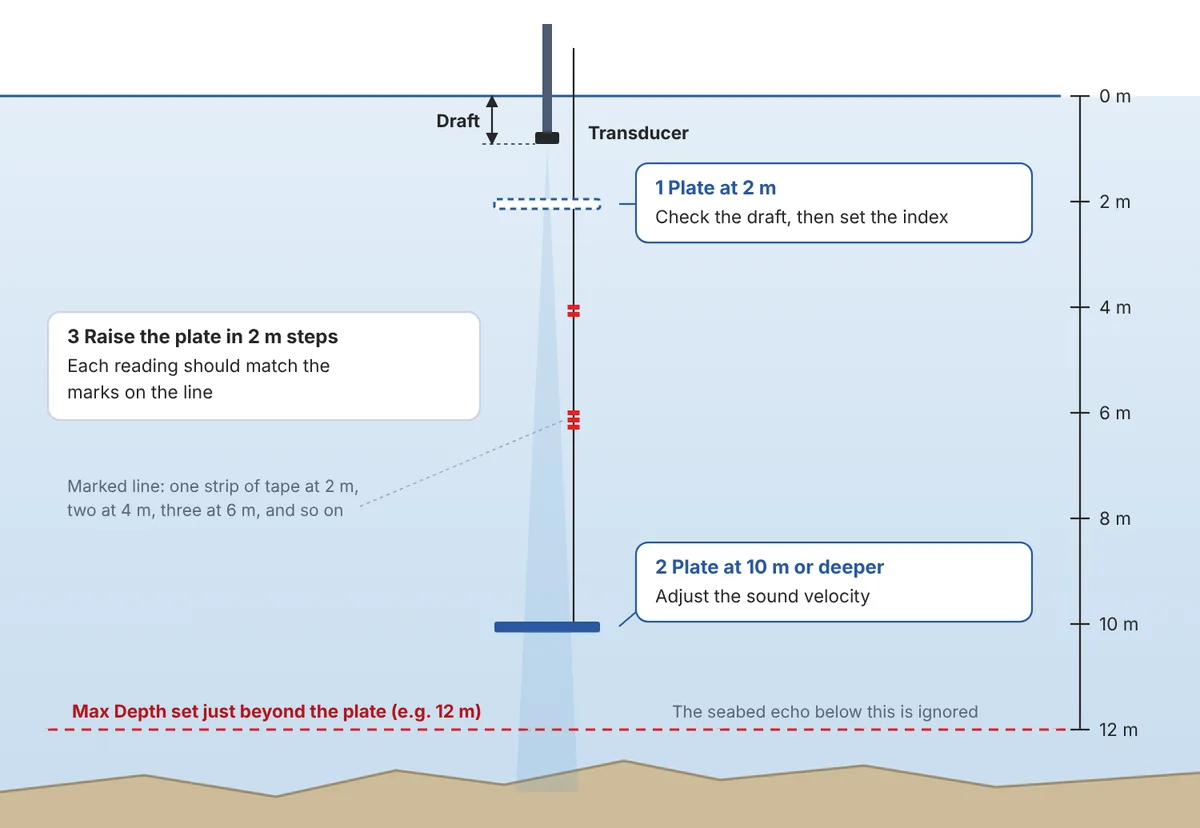
- Enter the starting values. Put in the measured draft and your best sound velocity before you lower the plate.
- Set Max Depth just beyond the plate. For a plate at 10 m, set about 12 m. The echo sounder looks for the strongest echo, which is usually the seabed, so this stops it locking onto the bottom instead of the plate.
- Lower the plate to 2 m, directly under the transducer. The reading should match. If it doesn’t, check the draft first, then enter an index offset to make the reading and the mark agree. Sound velocity hardly matters this shallow, so leave it for now.
- Lower the plate as deep as the echo sounder can still see it, ideally 10–15 m. Adjust the sound velocity until the reading matches the mark. A higher sound velocity gives a deeper reading.
- Bring the plate up in 2 m steps. Each reading should agree with the marks on the line. If they do, the sound velocity is right.
- Repeat for the other frequency if you’re surveying in dual frequency: select Bar check (E/S B) and check its draft and index.
- Leave the tool, check that your normal Max Depth is set for the survey, and start logging.
Index or sound velocity? An index offset is the same at every depth. If the error stays constant from 2 m to 10 m, it’s draft or index. If the error grows as the plate goes deeper, it’s sound velocity.
Why can’t the echo sounder see the plate?
- The plate has swung out of the beam. Current or wind moving the boat can carry the plate outside the acoustic cone. Keep the line vertical and the plate directly under the transducer.
- It’s locking onto the seabed. Set Max Depth between the plate and the bottom, as in step 2, and work in water deep enough to leave a gap.
- The plate is too small. Use at least 50 cm across.
- The plate is too deep. Bring it up until it’s detected again. The echo sounder must lock onto the plate, even briefly, to give a reading.
What if I don’t know the sound velocity?
Use the bar check to find it. Start at 1500 m/s, enter the measured draft, and check the plate at 1–2 m, adjusting the index if needed. Then lower the plate to the deepest point the echo sounder can still detect and adjust the sound velocity until the reading matches the mark.
This is a fallback: a calibrated sound velocity probe is more accurate. The built-in calculator, which works from water temperature and salinity, is another option; see how do I set draft, index and sound velocity?
Related guides
Equipment used
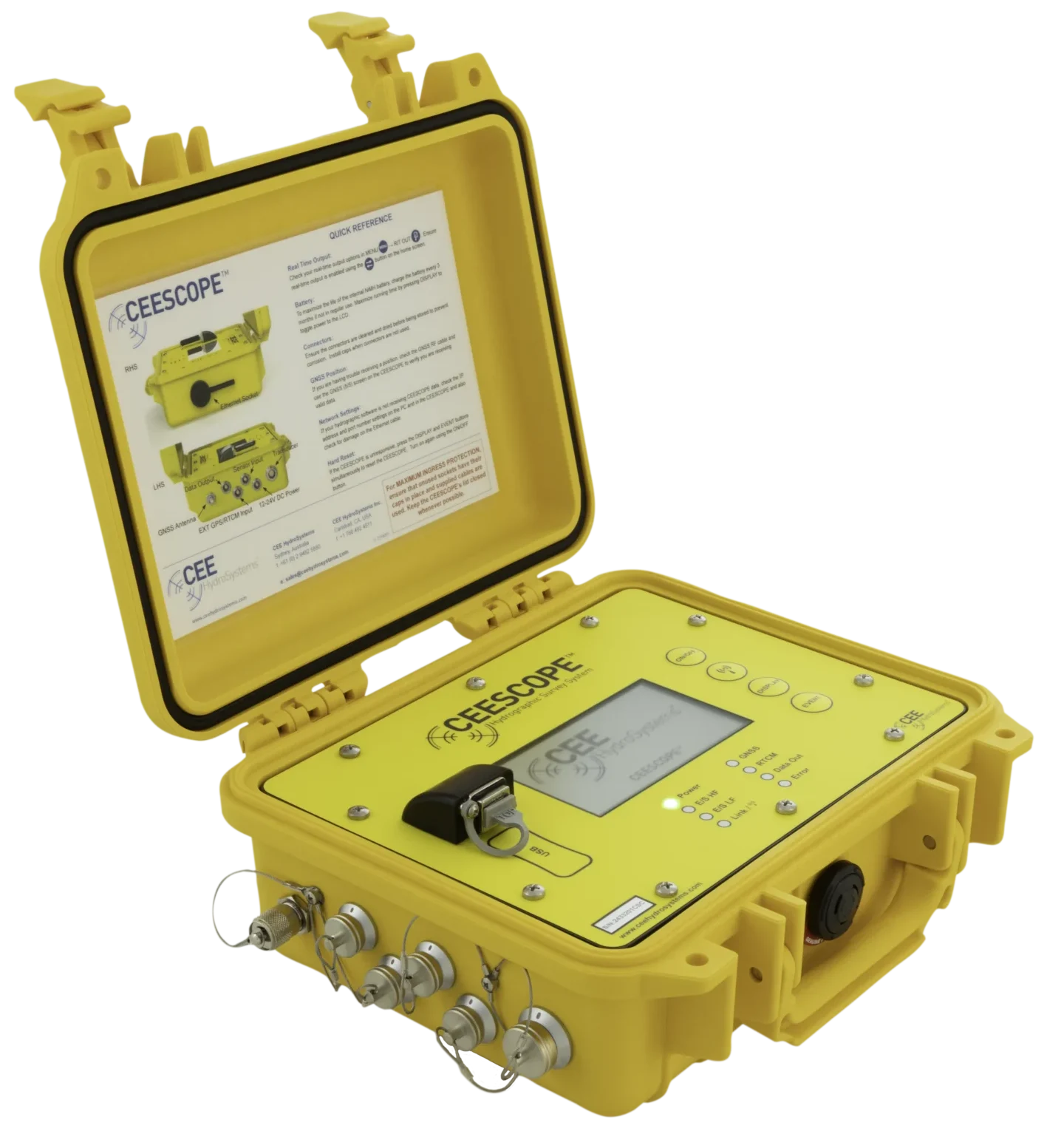
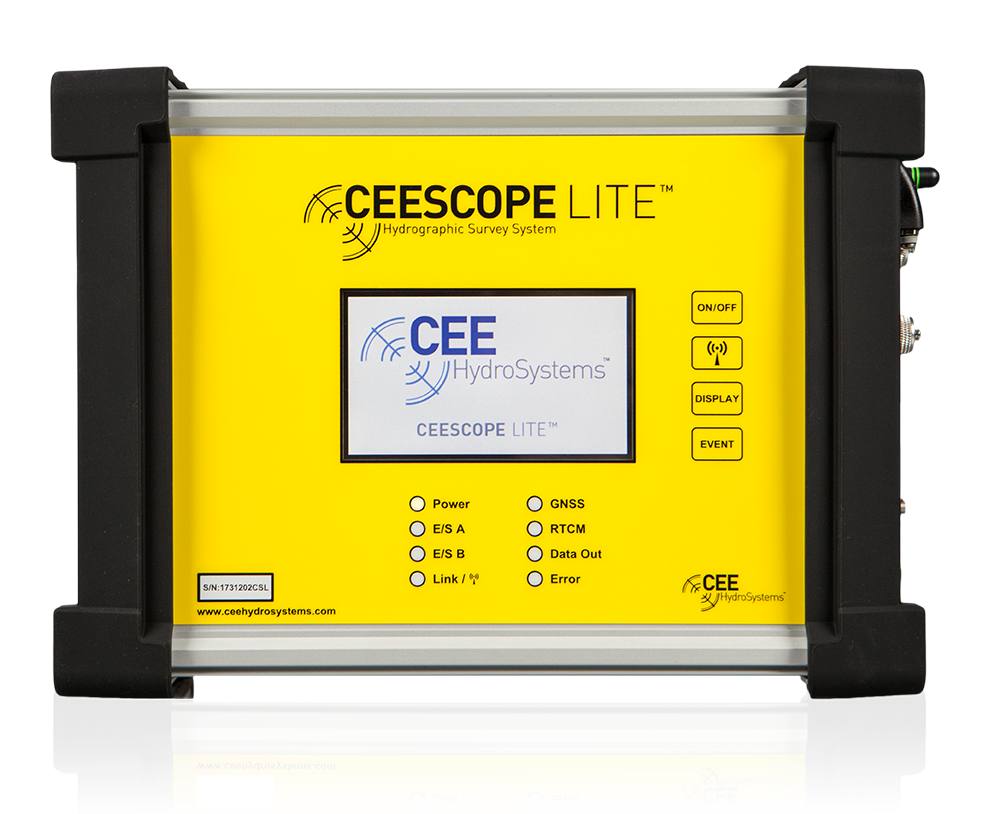
Single Beam Echo Sounder with Built-in GNSS
CEESCOPE LITE™
The whole CEESCOPE, in an even smaller footprint
View product
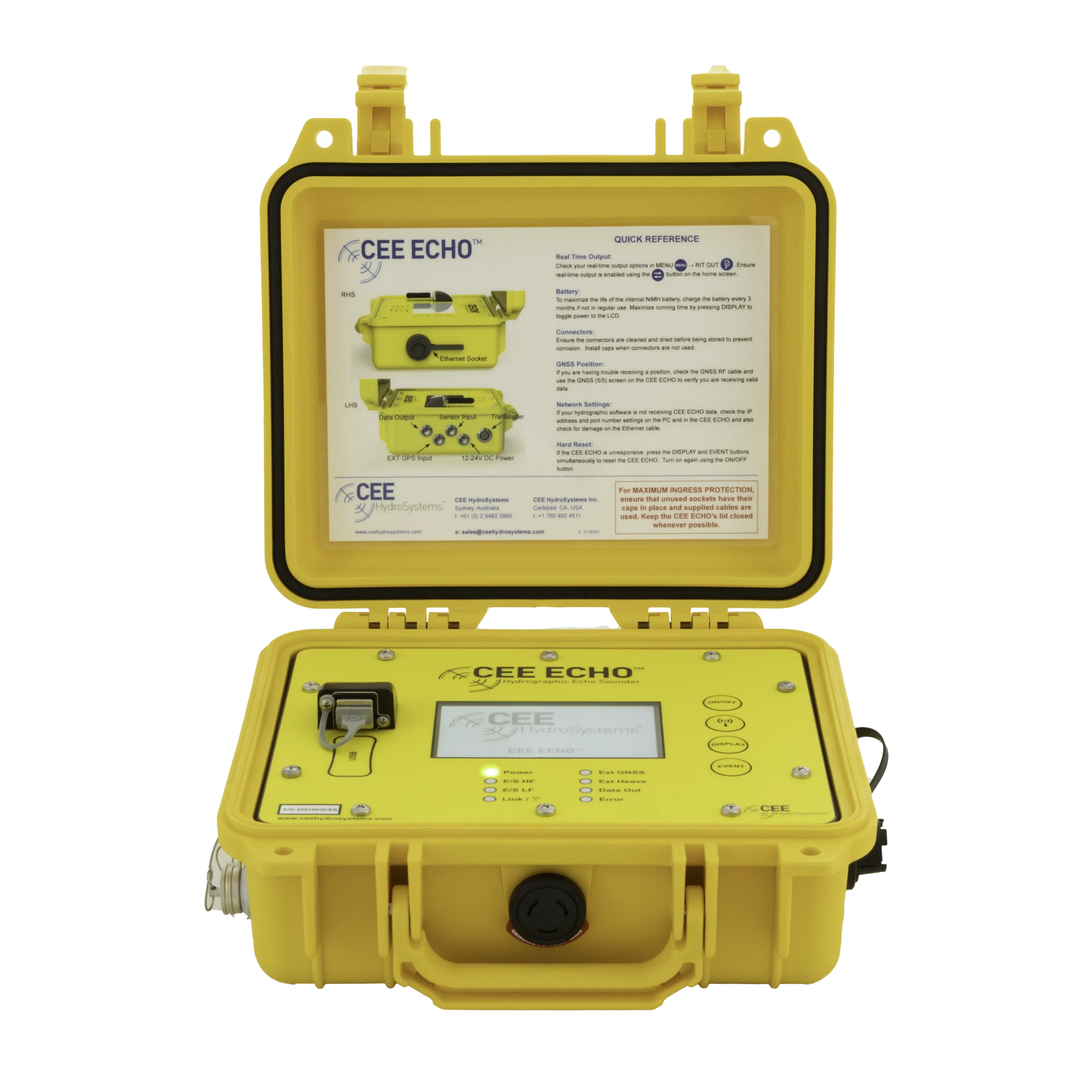
Talk to US
Need a hand with your set-up?
Our engineers answer survey questions every day.