

Knowledge base › Survey guide
Survey guide
How do I update the CEESCOPE™ or CEE ECHO™ firmware?
Operating system and activation files from CEE support load from the root of a USB stick: insert it with external power connected and the battery at 50% or more, press APPLY on the yellow screen, and the unit turns itself off when it’s done. Echo sounder firmware loads from a PC with the programming cable and CEE’s boot loader.
2 ways USB drive, or boot loader on a PC
50%+ battery, with external power connected
Root of the USB drive, not a folder
1 unit each file is made for one serial number
The CEESCOPE™, CEESCOPE LITE™ and CEE ECHO™ take firmware updates in the field. The operating system and activation files load from a USB drive in the front panel. The echo sounder firmware loads from a PC through a programming cable and CEE’s boot loader program.
Firmware isn’t a public download. Each file is made for one unit, so CEE support sends it to you for your serial number.
Which firmware does what?
| Firmware | What it does | How it loads |
|---|---|---|
| Operating system (OS) | Runs the unit: screens, logging and outputs | File on a USB drive |
| Activation | Turns on options, such as the CEE ECHO™ low frequency channel | File on a USB drive |
| Echo sounder HF and LF | The high and low frequency echo sounders | Programming cable and boot loader on a PC |
| GNSS receiver | The internal GNSS receiver (CEESCOPE™ and CEESCOPE LITE™) | Programming cable, with steps from CEE support |
Most updates are the first two. You only need the boot loader when CEE support asks you to update an echo sounder.
How do I check which firmware I have?
Press MENU → ABOUT. Information page 1/2 shows the model, the OS firmware, the echo sounder firmware for each frequency, the activation and the serial numbers.
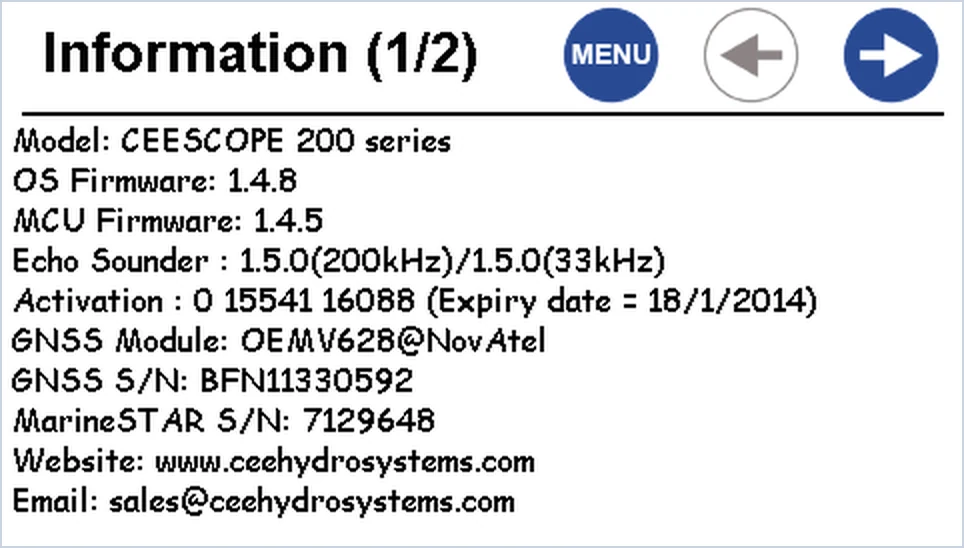
To get an update, contact CEE support with the unit’s serial number. It’s on the bottom left corner of the front panel, and on the ABOUT page.
What should I do before updating?
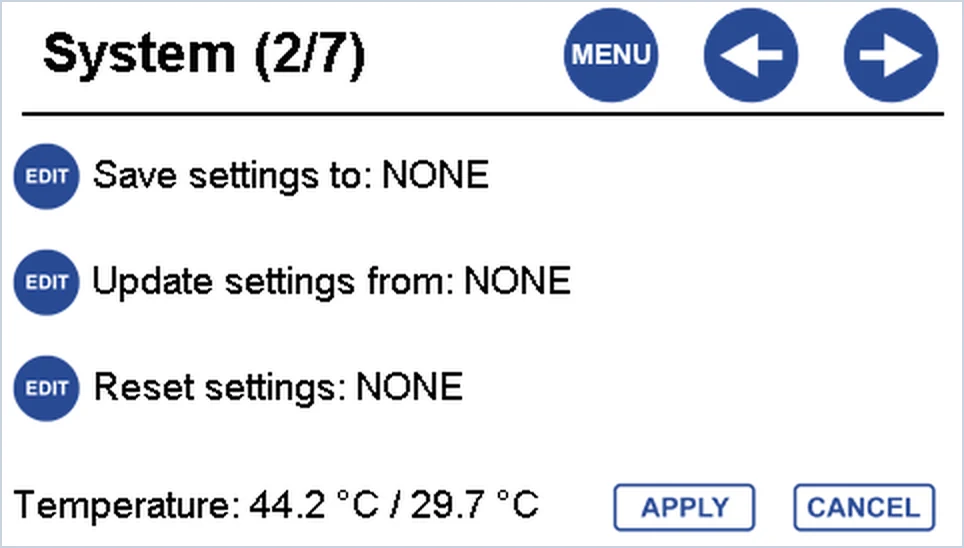
- Save your settings to a USB drive. Press MENU → SYSTEM → RIGHT to open System 2/7. Press EDIT next to Save settings to until it shows External Memory, then press APPLY. The file goes into the unit’s Settings folder on the USB drive.
- Copy any survey data you need to a USB drive or PC first: see how do I log, copy and erase survey data?
- Connect external power, and check the battery shows 50% or more.
How do I update the operating system or an activation?
- Copy the file or files from CEE support to the root of a USB memory stick. Don’t put them in a folder: the unit only looks in the root.
- Turn the unit on with external power connected.
- Insert the USB stick in the USB dock on the front panel. Within about 60 seconds the unit finds the file, and the main screen turns yellow and shows the firmware or activation it found.
- Press APPLY to install it. The unit turns itself off when the update is finished. (CANCEL skips the update, and the unit shuts down.)
- Turn the unit on and check the new version on MENU → ABOUT.
An OS file and an activation file? The OS loads first, and the unit turns off. Turn it on again with the USB stick still in: it finds the activation, and you press APPLY again.
Leave it alone until it turns off. Keep the USB stick in and the external power on until the unit switches itself off. Firmware and activations only work on the unit they were made for, so check the serial number before you start.
How do I update the echo sounder firmware?
Only do this when CEE support asks you to. You need:
- the programming cable;
- the firmware file (.ehx) and its password, emailed by CEE;
- the CEE HydroSystems boot loader program on a Windows PC.
- Connect the programming cable from the PC to the Heave/Tide input on the side of the unit.
- Connect external power and turn the unit on. Press MENU → SYSTEM, then RIGHT three times to open System 4/7.
- Start the boot loader on the PC. Press File and choose the .ehx file.
- Copy the password from CEE’s email and paste it into the Password box.
- Choose the COM port the programming cable is on.
- Press Program in the boot loader. On the unit, press EDIT next to ES HF Firmware update or ES LF Firmware update (whichever CEE sent), then press APPLY.
- When the boot loader has finished, restart the unit and check the version on the ABOUT page.
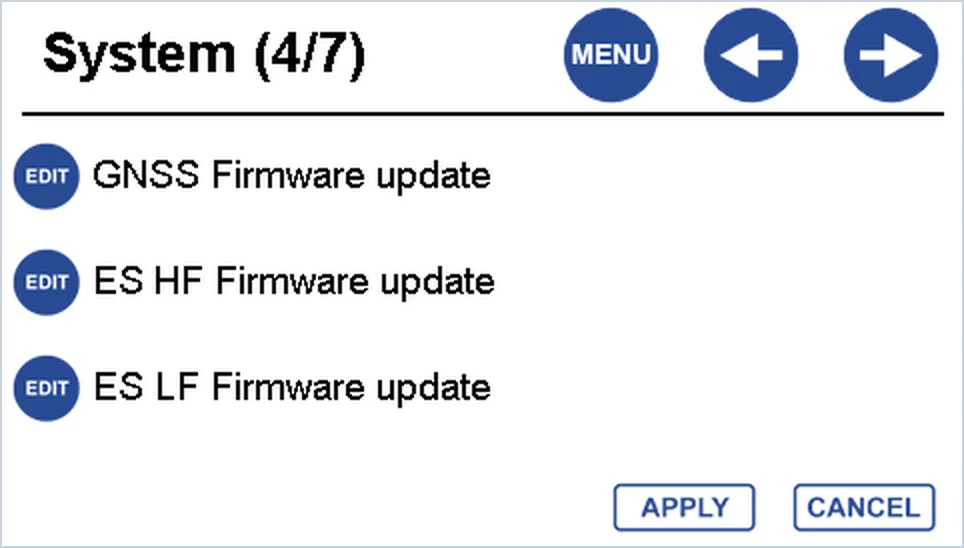
The GNSS Firmware update option on the same page is for the internal GNSS receiver. CEE support sends the steps for it with the file.
What if it asks for a factory reset after an update?
If the screen says Please reset system to Factory Default, the settings stored in the unit don’t match the new firmware.
- Open System 2/7. Press EDIT next to Reset settings until it shows Factory_Reset, then press APPLY. The unit shuts down.
- Turn it on and set it up again. To use the settings you saved, set Update settings from to External Memory, press APPLY, then turn the unit off and on again.
- Check the echo sounder settings and do a bar check before the next survey.
A factory reset doesn’t erase survey data. Logged files on the internal memory and the USB drive stay. It does clear every setting, and on units with an internal GNSS receiver it resets the receiver too.
Still stuck? Create a system report on System 3/7 and export it to a USB drive. Then send the syslog files to CEE support.
Related guides
Equipment used
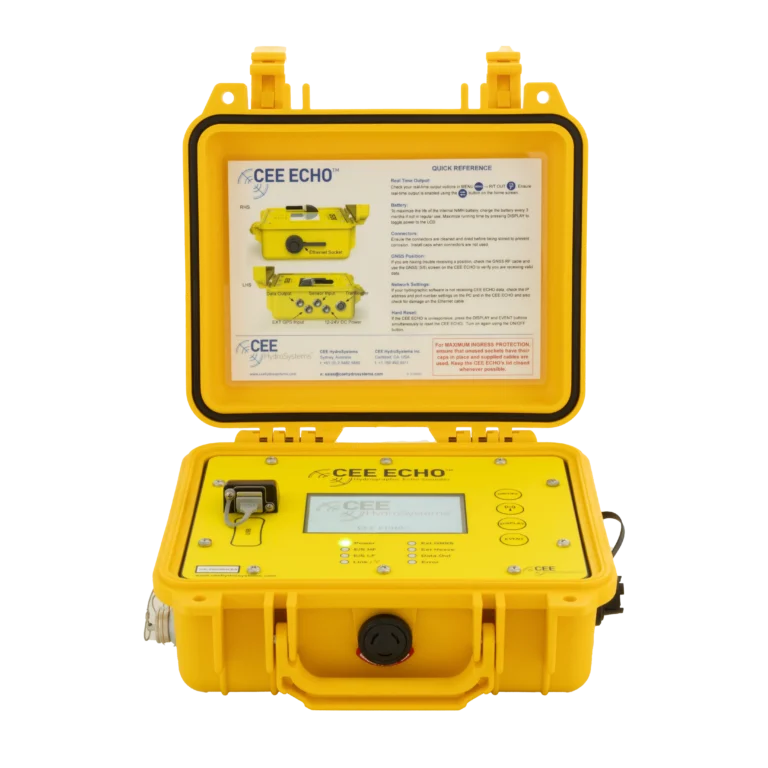
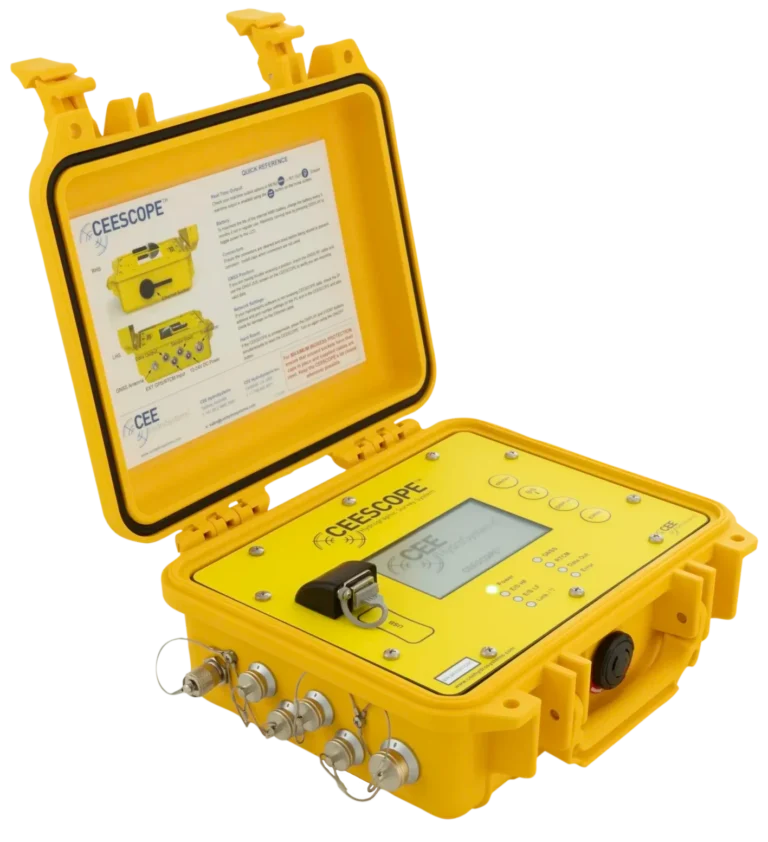
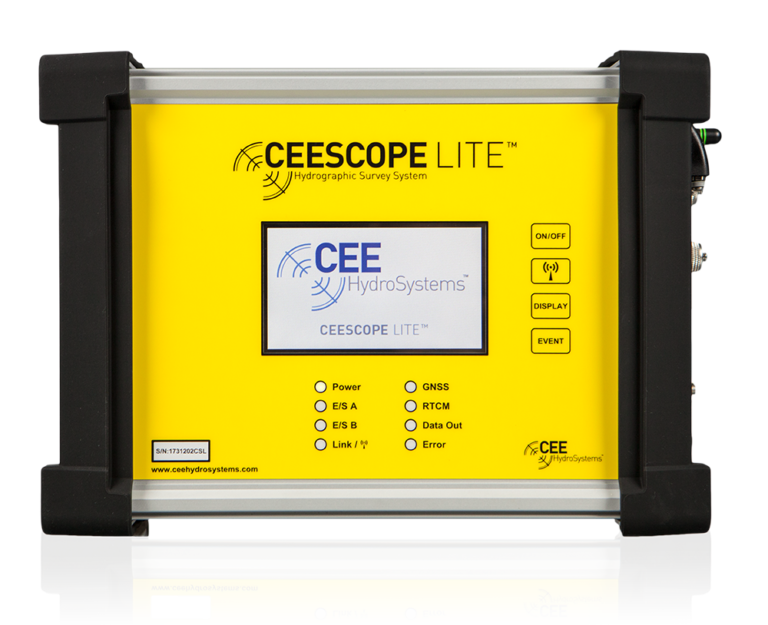
Single Beam Echo Sounder with Built-in GNSS
CEESCOPE LITE™
The whole CEESCOPE, in an even smaller footprint
View product
Talk to US
Need a hand with your set-up?
Our engineers answer survey questions every day.