

Knowledge base › Survey guide
Survey guide
How do I import CEESCOPE™ data into HYPACK or Hydromagic?
Data recorded inside the CEESCOPE™ or CEE ECHO™ is always in metres and UTM coordinates. In HYPACK, convert the .csc files with CEE DATA, add them to a UTM project in metres, then use Project Conversion to move them to your final geodesy. Hydromagic imports .csc files directly into a project with any geodesy.
Metresrecorded units
UTMrecorded grid
.cscCEESCOPE™ file
2HYPACK® stages
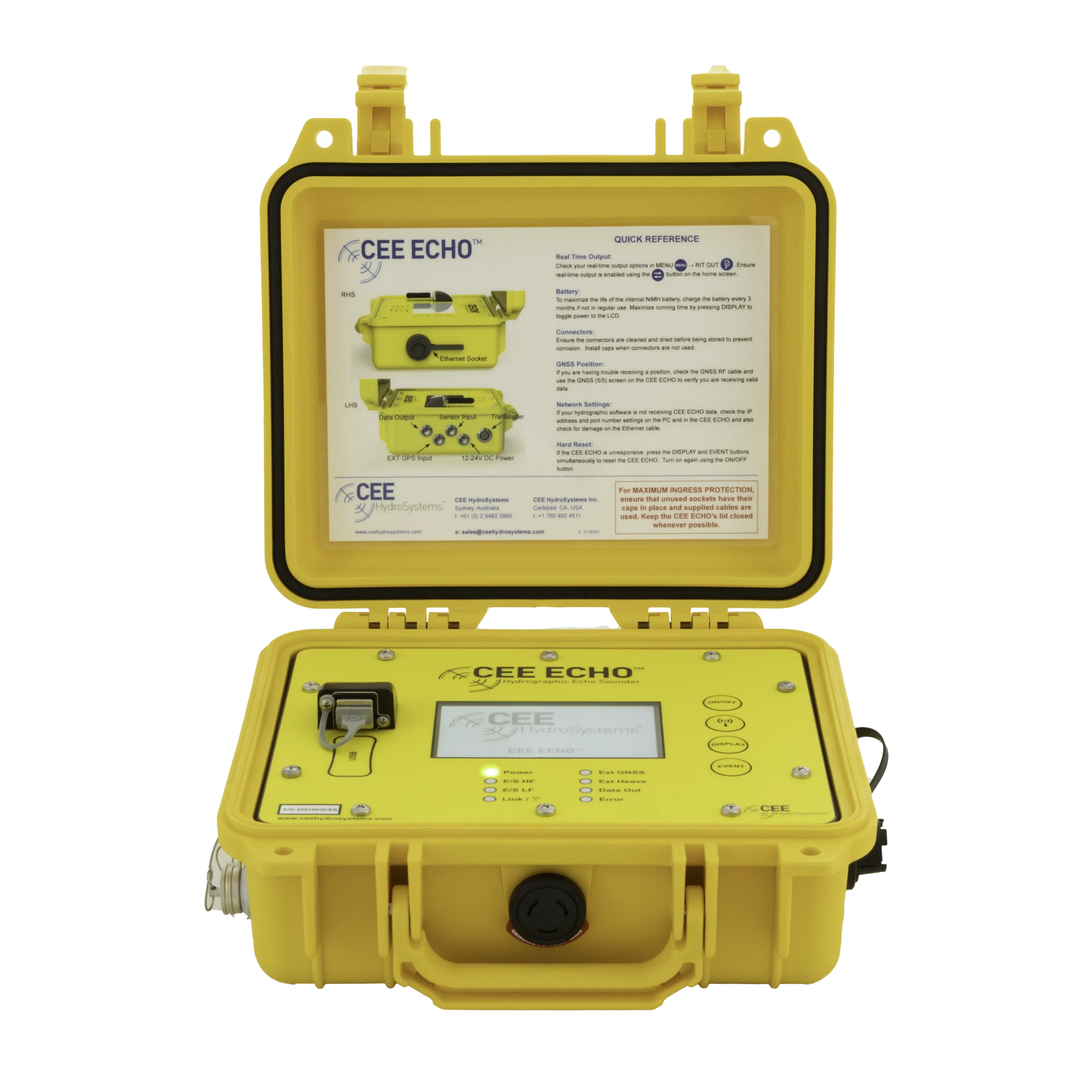
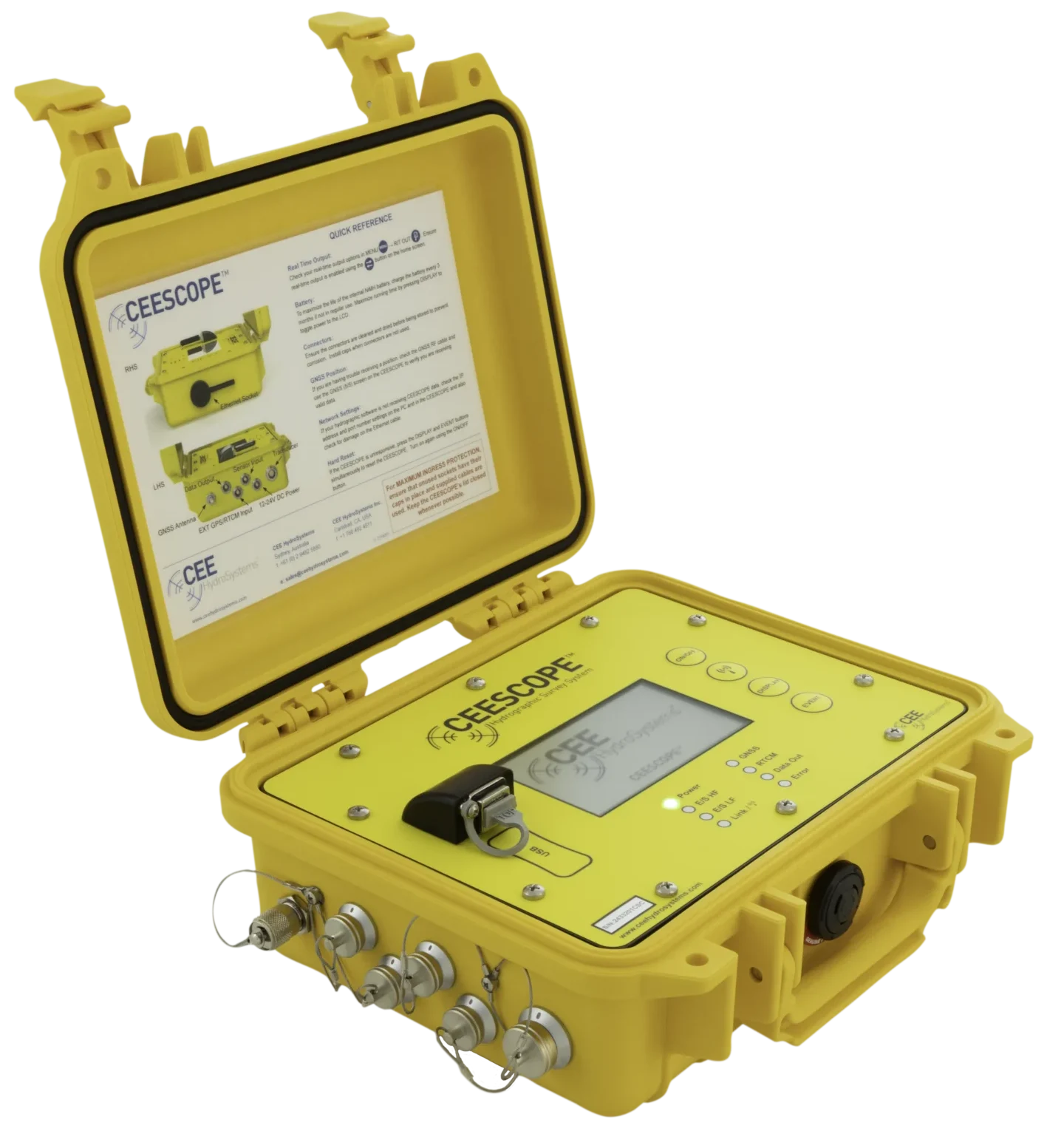
The CEESCOPE™ and CEE ECHO™ can record all survey data to internal memory and a connected USB flash drive. Importing it is easy, but follow the right steps so the final project has the geodesy and units you want.
The key point: all data recorded by the CEESCOPE™ (and CEESCOPE LITE and CEE ECHO™) is in metres, with XY in the right UTM zone. The echo sounder works out the zone at start-up and shows the XY (or WGS84 lat / long) on the home screen. Setting the screen to feet or metres has no effect on the recorded data.
HYPACK®
Convert with CEE DATA first
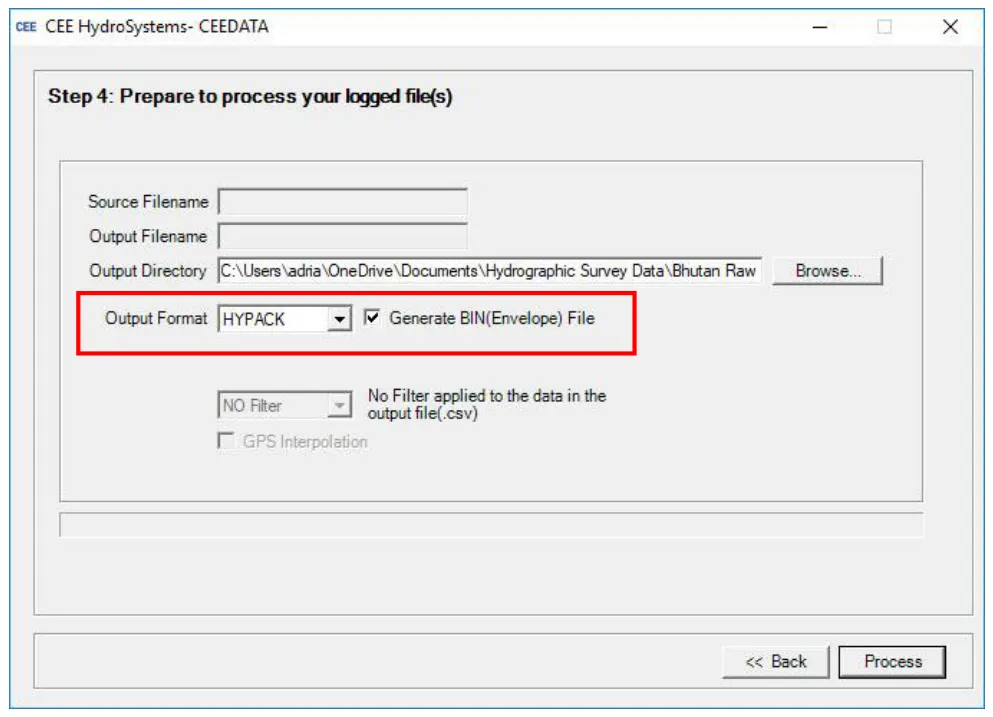
HYPACK® can’t import .csc files directly. Use the CEE DATA utility to make HYPACK® .RAW and .BIN files:
- Tick Generate BIN (Envelope) File for the echogram.
- Set Output Format to HYPACK or HYPACK RTK. Don’t pick the CEESCOPE format; it makes a .csv spreadsheet.
Stage 1: import into a UTM project
- Create a new project with the right UTM zone and metre units. It’s a staging project, not the final one. The recorded UTM zone is shown in CEE DATA if you’re unsure.
- Copy the .RAW, .BIN and LOG files from CEE DATA into the project’s RAW DATA folder.
- Right-click the RAW data folder in the project explorer › Add Files.
Stage 2: convert to your final geodesy
- Create and save a new project with the geodesy you want, for example NAD83 US State Plane in US survey feet. This is the final project.
- Go to Utilities › Geodesy › Project Conversion and convert the RAW data from the UTM / metres project to the final project.
- Depths are still in metres: Project Conversion can’t change depth units for RAW data. Choose Convert Meters to Feet when processing in SBMax to get edited data in feet.
- Delete the UTM staging project.
Hydromagic
No CEE DATA step: Hydromagic imports .csc files straight into a project with any geodesy and converts as it goes.
- Right-click Raw Data in the Project Explorer › Import Data Wizard.
- Select the folder with the .csc files.
The raw data and echogram files are added to the project, with units and coordinates converted to match.
Equipment used


Talk to US
Need a hand with your set-up?
Our engineers answer survey questions every day.