

Knowledge base › Survey guide
Survey guide
Which HYPACK® drivers should I use with the CEESCOPE™ and CEE ECHO™?
Use the CEESCOPE driver for depth and the standard GPS-NMEA0183 driver for position (HYPACK 2021 Q3 and later), set up for “CEE time”: POS prefix enabled on the echo sounder, User Modified NMEA Messages set to POS (Ceescope), and Use CEESCOPE time ticked. Only switch to PC time if you’re also logging equipment with no time stamps, such as a side scan sonar.
CEE timerecommended timing
POSprefix on every line
2021 Q3driver change in HYPACK
1PPS + ZDACEESCOPE time source
Why are there two ways to set this up?
The CEESCOPE™ and CEE ECHO™ put a precise GPS-derived time stamp on every line of data and every binary echogram ping. They build it from the GPS ZDA message (plus the 1PPS signal on the CEESCOPE™). Because the stamp is applied in the echo sounder, before the PC and its ports, it is very precise and keeps latency to a minimum. That matters most when data is sent wirelessly, for example from a USV, where buffering can add delays when the signal is weak.
The time stamp is shown as a POS prefix: CEESCOPE™ system time in milliseconds past midnight.
POS 42649023 $GPZDA,015055.00,24,02,2012,,*67

POS 42649023 $GPGGA,015055.00,3338.9114522,S,15109.8404898,E,4,14,0.8,2.074,M,23.20,M,02,0006*45

POS 42649040 $GNGST,015055.00,4.76,0.01,0.01,-17.5827,0.01,0.01,0.01*6A

POS 42649040 $GNVTG,344.989,T,344.989,M,3.752,N,6.948,K,D*38
HYPACK® can use these stamps (CEE time) or ignore them and record data when it arrives at the PC (PC time). Over an Ethernet cable the practical difference is small, but a wrong set-up can introduce major errors.
Use CEE time in every case except when equipment with no time stamps, such as a side scan sonar, is logged at the same time. It is very important to use CEE time when recording telemetered USV data. For side scan set-ups see checking HYPACK timing.
Which drivers?
| Data | HYPACK® 2021 Q3 and later | Up to HYPACK® 2021 Q2 |
|---|---|---|
| Depth | CEESCOPE driver | CEESCOPE driver |
| Position | GPS-NMEA0183 driver | Custom GPS-CEE driver (in the custom drivers folder from the 2018 release) for CEE time; GPS-NMEA0183 for PC time |
The legacy GPS-CEE driver may still appear in the hardware list; it isn’t needed from HYPACK® 2021 Q3, which uses the modified NMEA-0183 driver.
How do I set up CEE time? (recommended)
HYPACK® writes all RAW files with the time output by the CEESCOPE™. PC time is ignored and the PC clock isn’t synchronised.
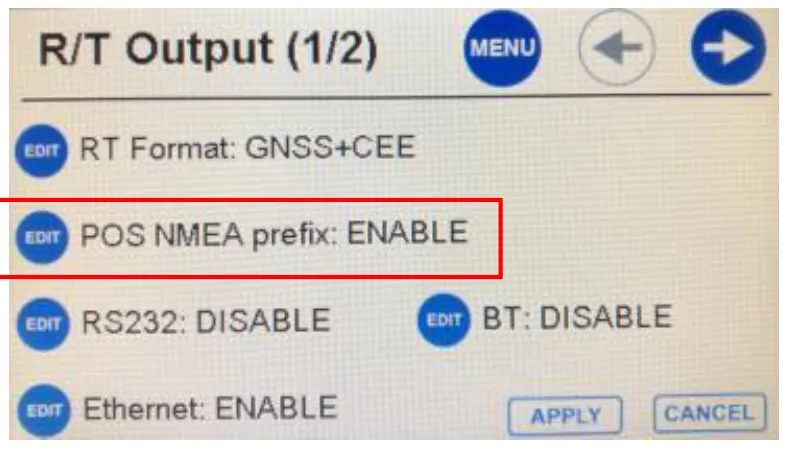
- On the echo sounder, R/T Output (1/2) menu: set POS NMEA prefix to ENABLE.
- GPS-NMEA0183 driver › Setup: tick the GPS messages you need, and set User Modified NMEA Messages to POS (Ceescope).
- CEESCOPE driver › Setup: tick Use CEESCOPE time.
Older firmware doesn’t show the POS prefix option; the prefix is always on, which is what CEE time needs.
How do I set up PC time?
All data is written with the time HYPACK® receives it.
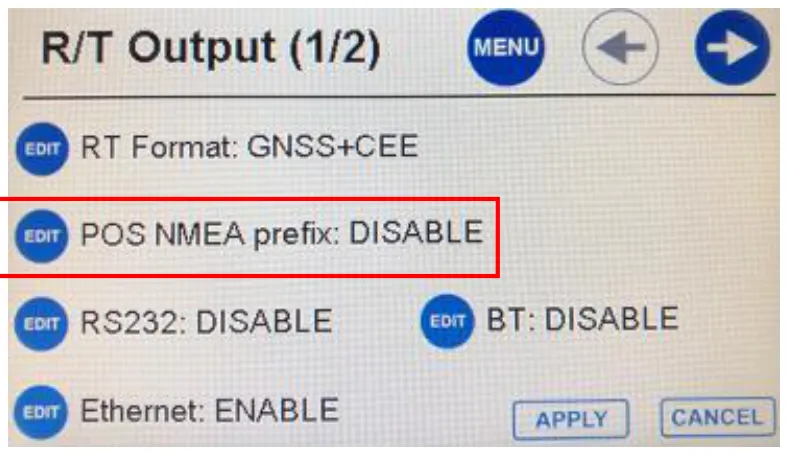
- On the echo sounder, R/T Output (1/2): set POS NMEA prefix to DISABLE.
- GPS-NMEA0183 driver › Setup: tick the GPS messages, and set User Modified NMEA Messages to None.
- CEESCOPE driver › Setup: make sure Use CEESCOPE time is not ticked.
Older firmware can’t do PC time this way. If the echo sounder doesn’t show the option to turn off the POS prefix, HYPACK® won’t read the GNSS lines (the prefix invalidates the whole NMEA message) and there will be no position. Ask CEE HydroSystems for a firmware update.
What if I’m on HYPACK® 2021 Q2 or earlier?
| Setting | CEE time | PC time |
|---|---|---|
| Position driver | GPS-CEE | GPS NMEA-0183 |
| Setup / Advanced: User Modified NMEA Messages | POS | POS (required even though the stamps aren’t used) |
| CEESCOPE driver: Use CEESCOPE time | Ticked | Not ticked |
- With CEE time, all HYPACK® data (RAW and BIN) is written with the timing exactly as output by the CEESCOPE™, so it matches RAW and BIN files made from data recorded inside the echo sounder.
- HYPACK® expects UTC with CEE time, so set the CEESCOPE™ time offset to zero.
- CEE time suits surveys with just a CEESCOPE™, or a CEE ECHO™ with a third-party GNSS receiver, either of which may also have a motion sensor. With ancillary devices such as side scan sonar, PC time must be used.
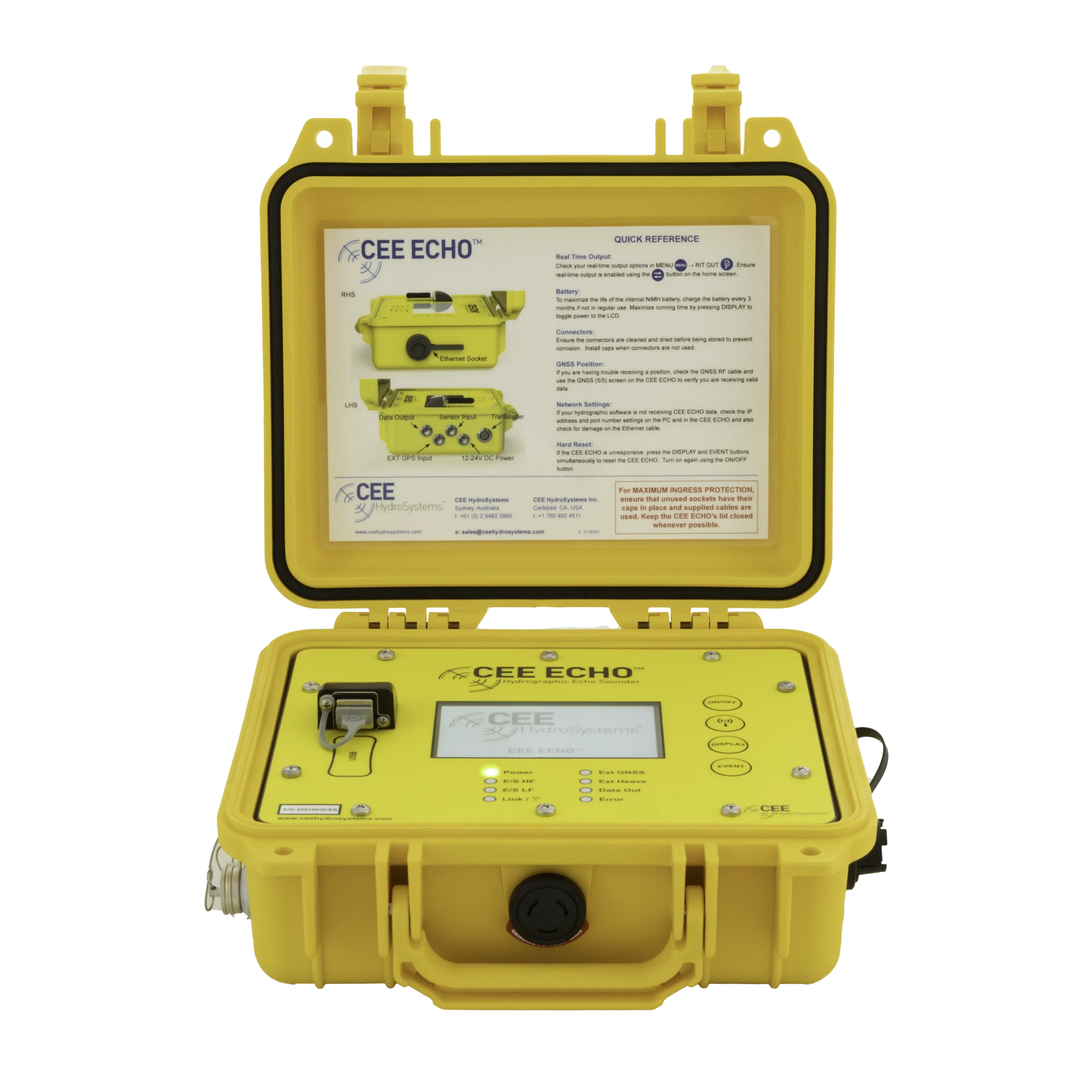
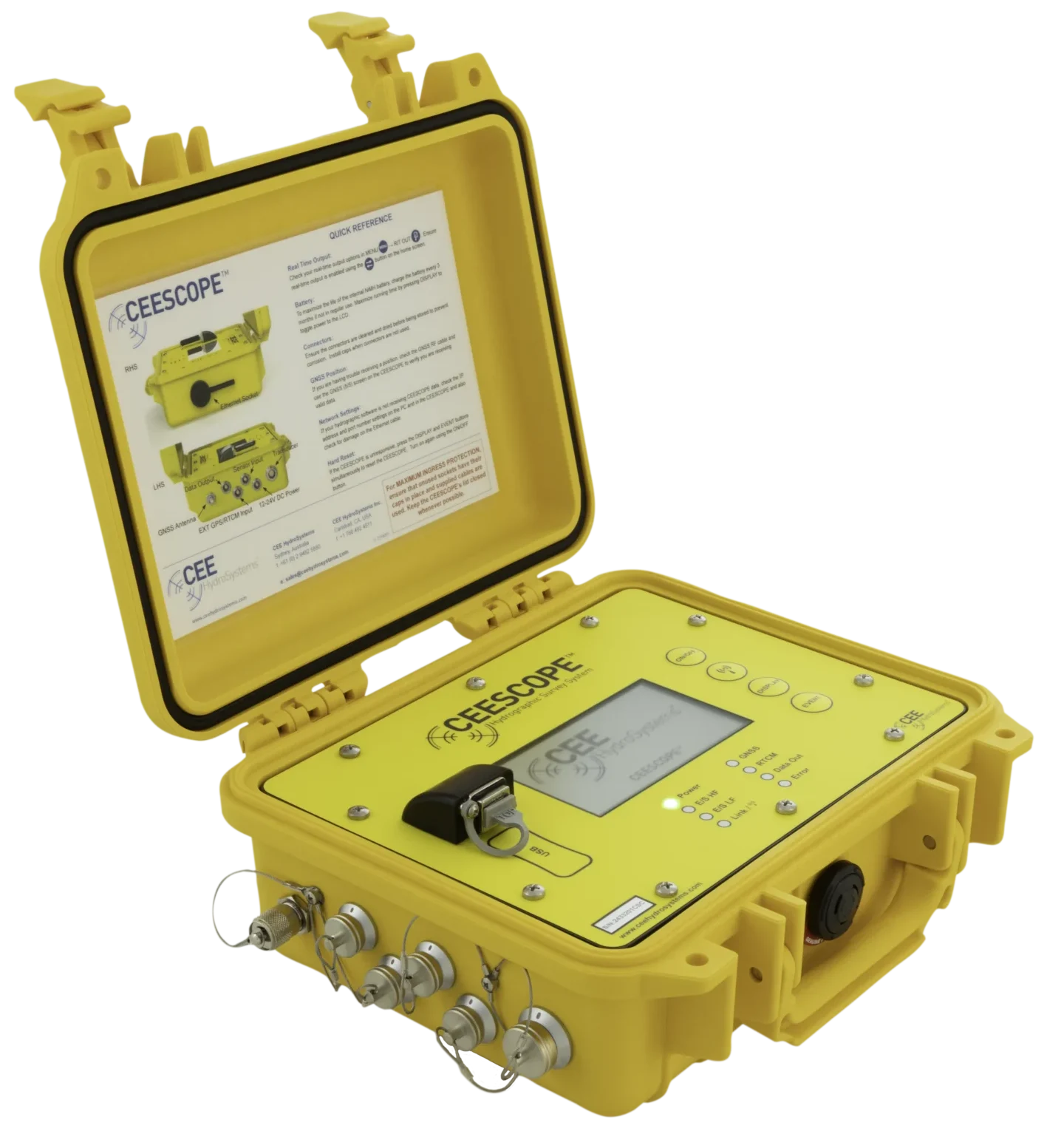
Equipment used

Talk to US
Need a hand with your set-up?
Our engineers answer survey questions every day.