

Knowledge base › Survey guide
Survey guide
How do I survey from a jet ski (PWC)?
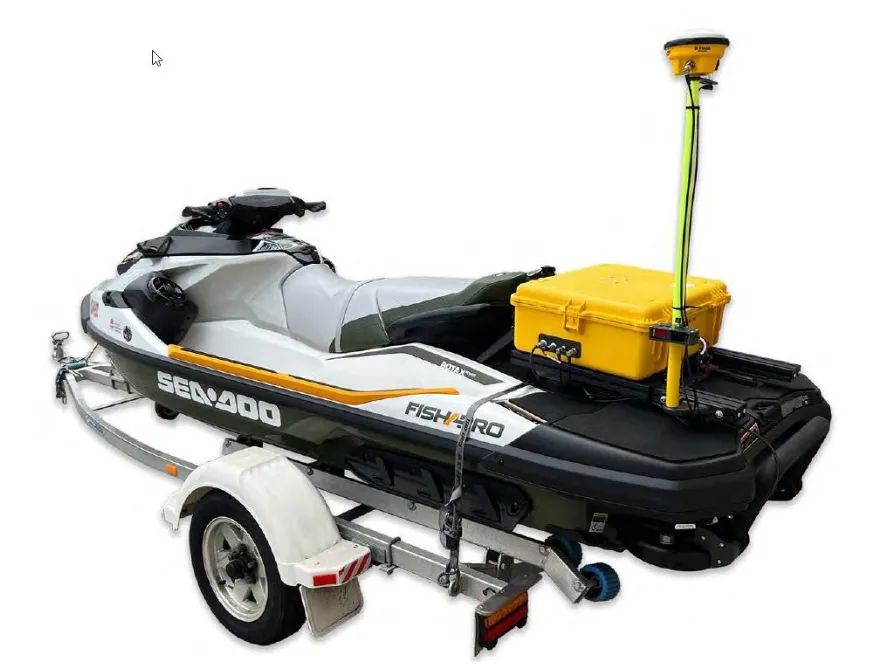
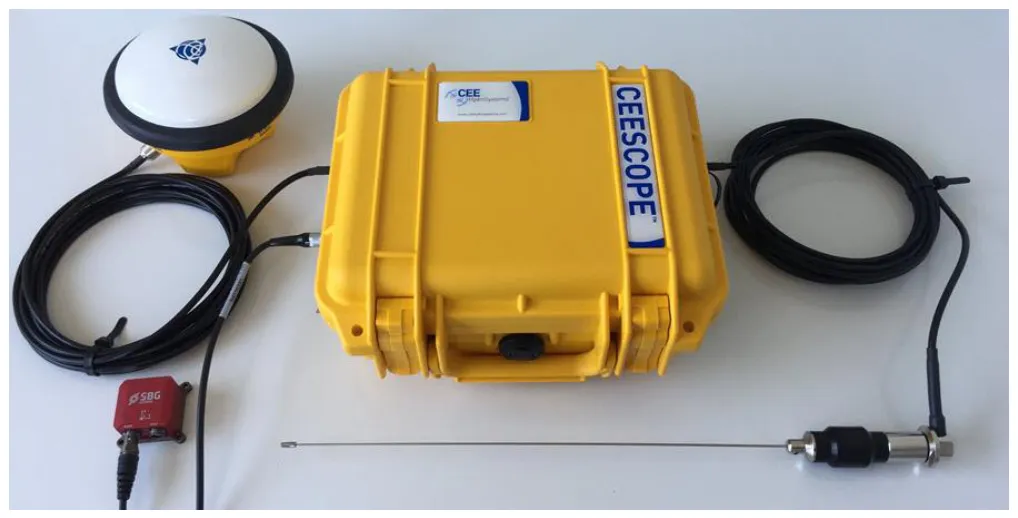
The CEE JET puts a CEESCOPE-R™, battery and Wi-Fi access point in one waterproof case on the jet ski. A waterproof tablet connects over Wi-Fi (static IP 192.168.2.11) for navigation and network RTK, an SBG Ellipse motion sensor plugs straight into the echo sounder, and pitch and roll corrections are applied in Hydromagic during processing. Time stamps mean Wi-Fi adds no latency errors. | | Surveying Topic | Shallow water surveys
192.168.2.11 tablet Wi-Fi IP
115200 heave baud
20 Hz TSS1 motion data
>1 km Wi-Fi range with Bullet radio
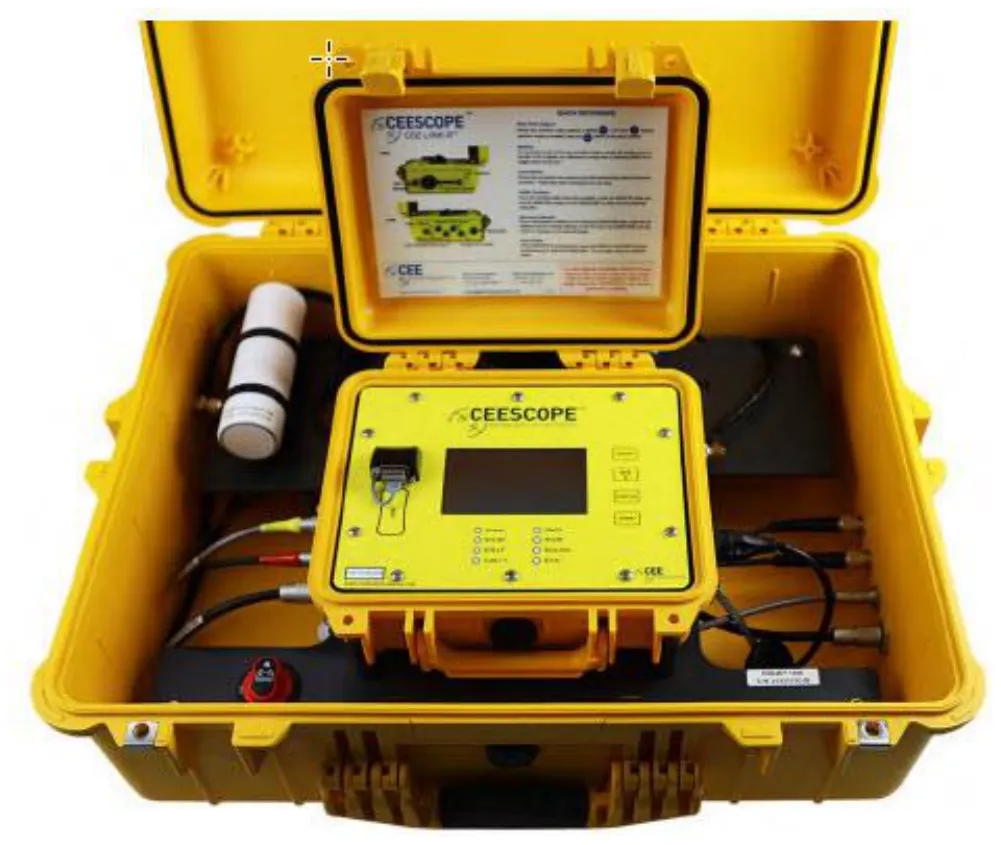
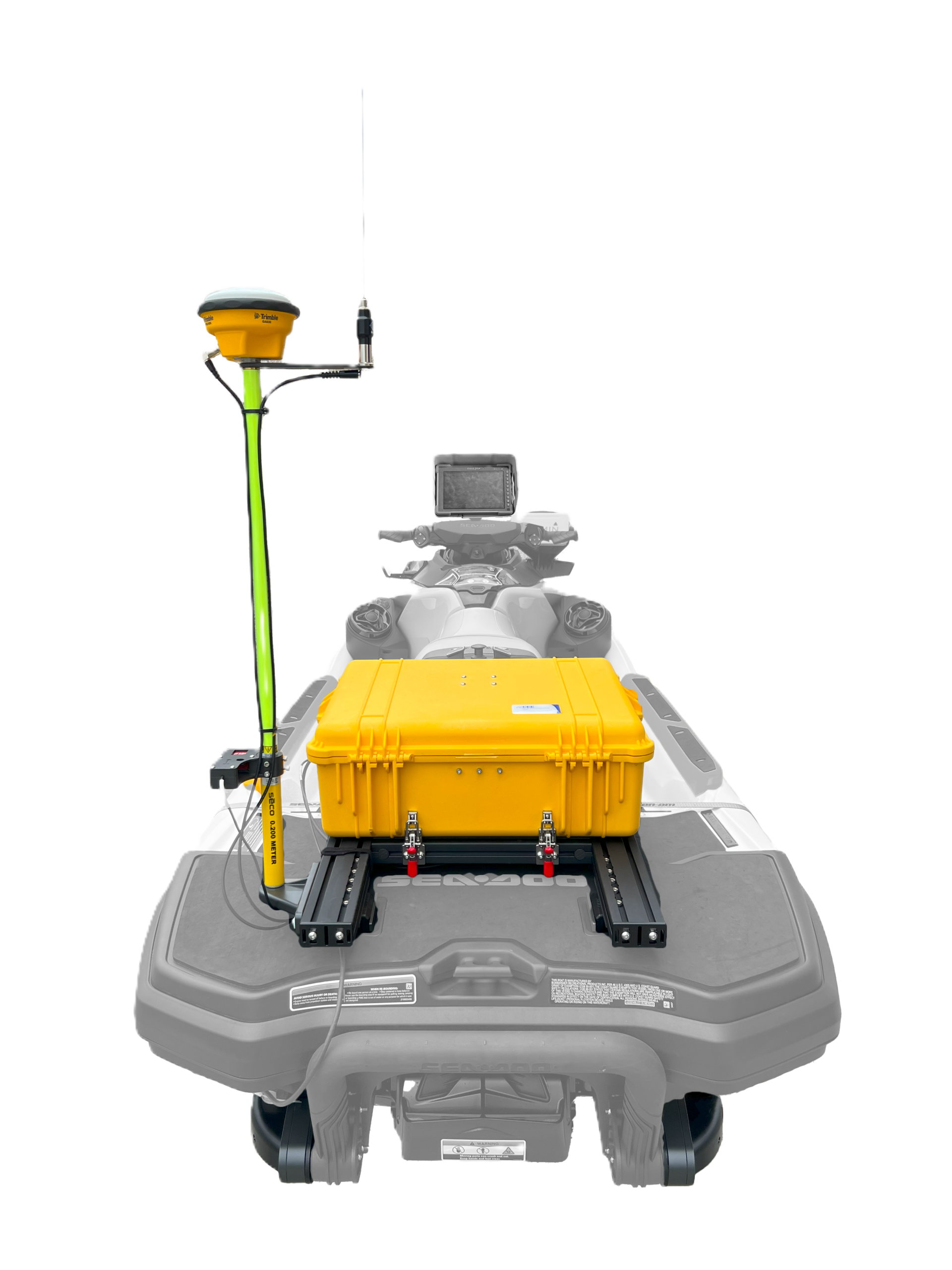
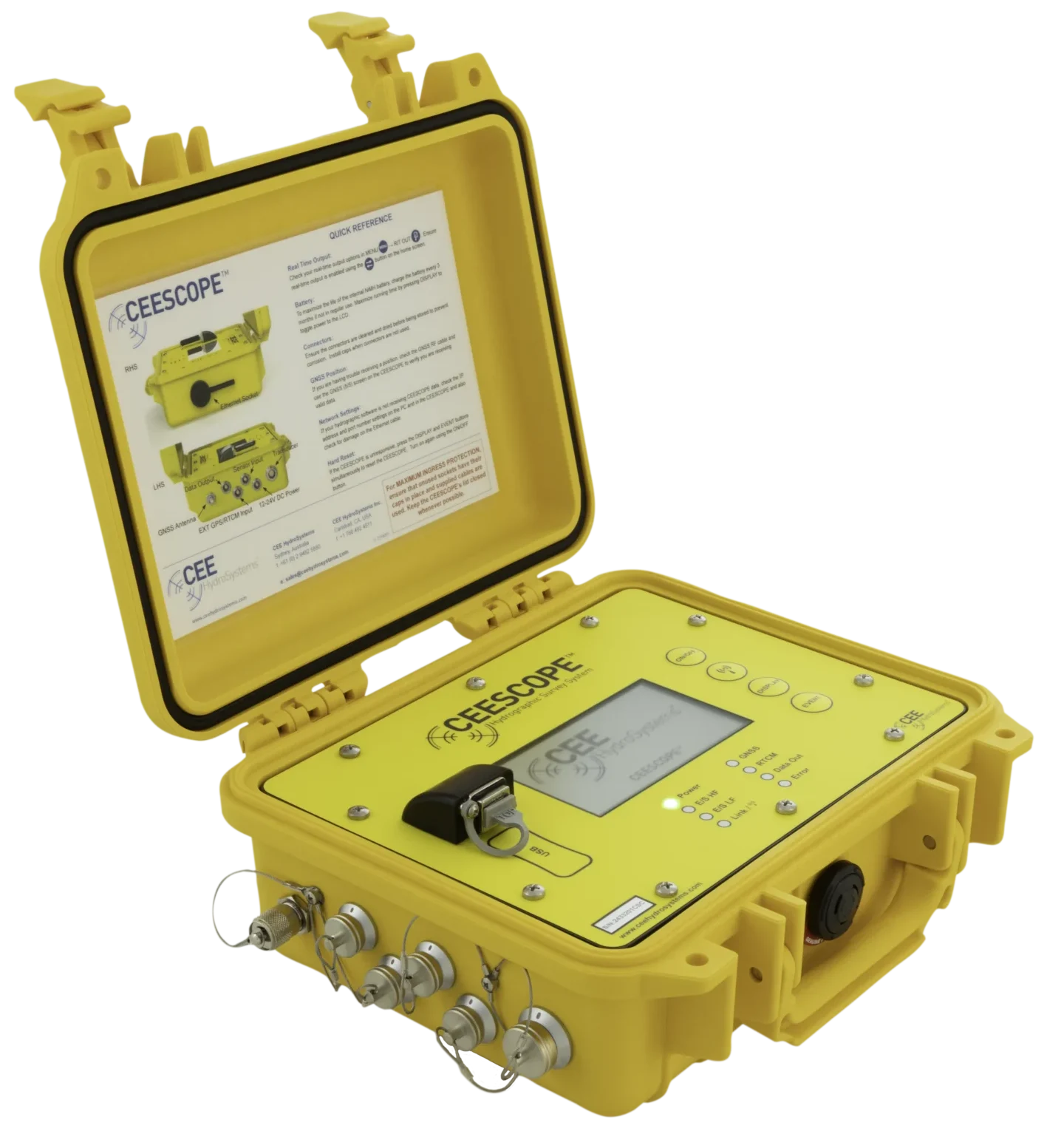
The CEE JET is a self-contained single beam survey kit for personal watercraft (PWC). It was designed for Sea-Doo PWCs with the LinQ accessory system; other craft are possible with some customisation. A CEESCOPE-R™ echo sounder, a high-capacity battery and a Wi-Fi access point sit in one waterproof case. The operator navigates on a waterproof tablet over Wi-Fi, an SBG Systems Ellipse motion sensor corrects attitude errors, and network RTK corrections can come over the same Wi-Fi link via the Hydromagic NTRIP plugin.
How do I connect to the Wi-Fi?
The Wi-Fi access point is powered by the echo sounder through the waterproof Ethernet cable, so it only runs when the CEESCOPE-R™ is on and Power over Ethernet (PoE) is enabled. A lit ring shows it’s working.
- Press the battery icon on the home screen to open the POWER menu and enable the 802.3af 48 V PoE. (Labels vary with firmware.)
- Port 1: 24 V passive PoE on the LEMO socket on the right side, for an external Ubiquiti Bullet radio (range over 1,000 m).
- Port 2: active 802.3af (48 V) on the Bulgin waterproof RJ45 socket, which powers the CEE JET Wi-Fi module.
- The radio creates a hotspot any device in range can find, so data can be acquired on a small waterproof tablet, or by a second surveyor on shore. Several connections are supported.
- Set the tablet’s Wi-Fi adapter to a static IP of 192.168.2.11. Don’t use 192.168.2.1, .2 or .10.
Static IP stops other Wi-Fi. With a static IP, the tablet can’t join other networks. Set it back to automatic (DHCP) when you need to.
How is the motion sensor set up?
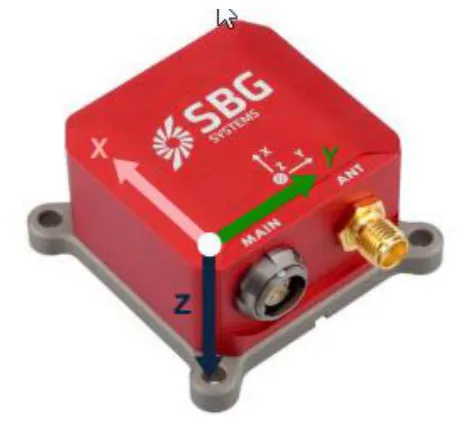
The CEESCOPE-R™ has an integrated motion sensor interface, and the CEE JET is designed for the SBG Ellipse.
| Sensor | How it works |
|---|---|
| Ellipse-A (AHRS) | Not GNSS-aided; otherwise identical. Usually the best choice: for simple pitch and roll correction, GNSS aiding adds little. |
- Echo sounder to sensor: selected NMEA 0183 messages at up to 20 Hz.
- Sensor to echo sounder: TSS1 heave, pitch and roll at 20 Hz (preset).
- Mount the sensor precisely on the GNSS pole, X forward to the bow and Y to starboard. Roll is positive starboard down, pitch positive bow up, heave positive up.
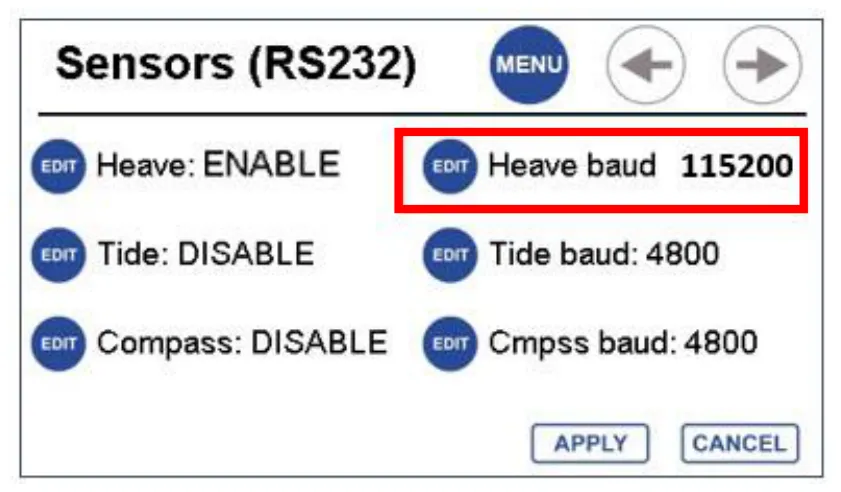
- SENSORS menu: set Heave to ENABLE at 115200 baud. A heave value appears at the bottom of the screen when it’s connected.
- With the Ellipse-E, set the heave option to AIDED and output GGA (5 Hz+), RMC (5 Hz+), GST (1 Hz) and ZDA (1 Hz) to the sensor.
Every message gets a precise millisecond time stamp, so position, depth and attitude can all be sent over Wi-Fi with no latency or lag errors. See why time stamps matter.
How do I apply motion correction in Hydromagic?
To see motion live, add Motion to the navigation data view. That doesn’t affect recording: if heave input is enabled on the echo sounder, motion data is recorded automatically, in real time or from imported CEE files.
- Options › Preferences › Calibration: enable Use Motion Sensor Readings. Pitch and roll are then used to recalculate every sounding’s position.
- Match the heave, pitch and roll conventions to the sensor set-up.
- Tick Use beam steering, so corrections only apply when motion exceeds the transducer beam angle (typically 9° on the CEE JET); the transducer is assumed to read the same depth within its beam.
- Tick Echosounder outputs heave corrected depths and disable heave: the high-rate (10 Hz) RTK GNSS already accounts for heave.
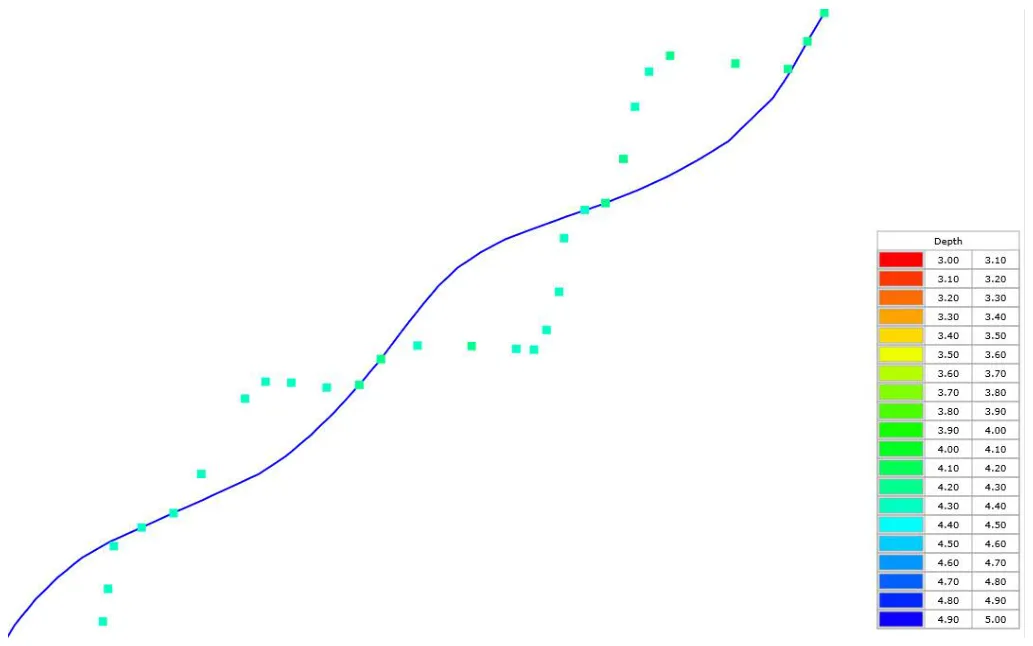
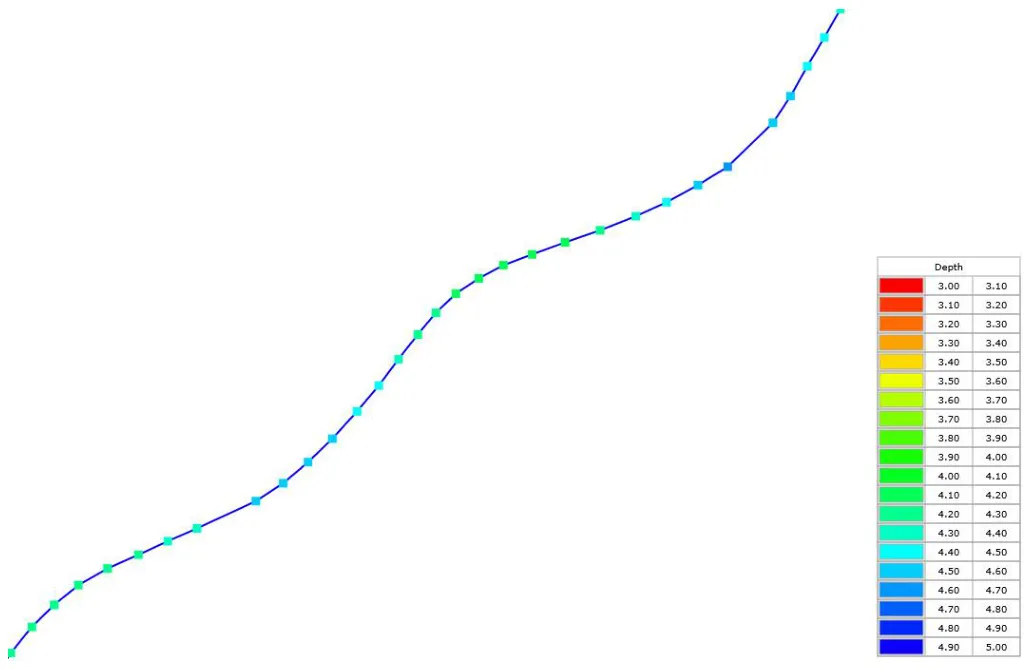
When you generate a sounding file, points are moved to their true position and depth during high pitch and roll. Real-time and RAW data never have motion corrections applied before processing. Review the data and decide whether periods of excessive motion should be removed altogether.
How do I get network RTK on the water?
As well as its built-in UHF radio and raw GNSS logging for PPK, the CEESCOPE-R™ takes NTRIP corrections over Wi-Fi from the tablet. Set the RTCM menu to NETWORK with a format matching the stream (menu options vary by firmware; may just say RTK). In Hydromagic, add the NTRIP Plugin: TCP/IP, host 192.168.2.2, port 3001, then the provider’s host, port, user name and password. Full details are in network RTK (NTRIP) with the CEESCOPE™.
- Tick Send position to NTRIP caster when the service needs your position, for example all VRS subscriptions.
- If the connection drops, select the plugin in Devices, press Configure then OK without changing anything. Restarting Hydromagic also restarts NTRIP.
- The plugin’s Monitor screen: corrections received but not forwarded means a comms problem with the echo sounder (wrong IP, or NETWORK not selected); nothing received usually means a wrong login.
- Set GPS alarms (Preferences › Alarms) to flag lost RTK.
Using HYPACK® instead
An earlier CEESCOPE-R™ PWC set-up used HYPACK® with a Ubiquiti Bullet long-range Wi-Fi radio (over 1 km with a high-gain antenna) and an SBG Ellipse2-E (0.1° roll and pitch, 0.5° heading with GPS, 5 cm real-time heave). Then, only HYPACK® could record the time-stamped motion data. HYPACK® can run on the PWC tablet for normal acquisition, be used just to control recording inside the echo sounder, or both, and a second surveyor on shore can acquire the whole dataset.
That note used the 2018 CEESCOPE.DLL and the custom GPS-CEE driver, both on CEE time. From HYPACK® 2021 Q3 use the GPS-NMEA0183 driver instead; see which HYPACK® drivers to use. The echo sounder passes TSS1 data through, time-stamped and recorded for the software; it doesn’t use it to correct depths itself.
Equipment used

Talk to US
Need a hand with your set-up?
Our engineers answer survey questions every day.